get started

Your first post
is five minutes away.

Download the app, claim your name, save a couple of presets. The next time you go on, telling everybody takes one tap.

Download on the App Store Get it on Google Play
Always free for performers. iOS & Android.
Creating a fanhalo account
first five minutes

What you'll do after you install.

Minute one

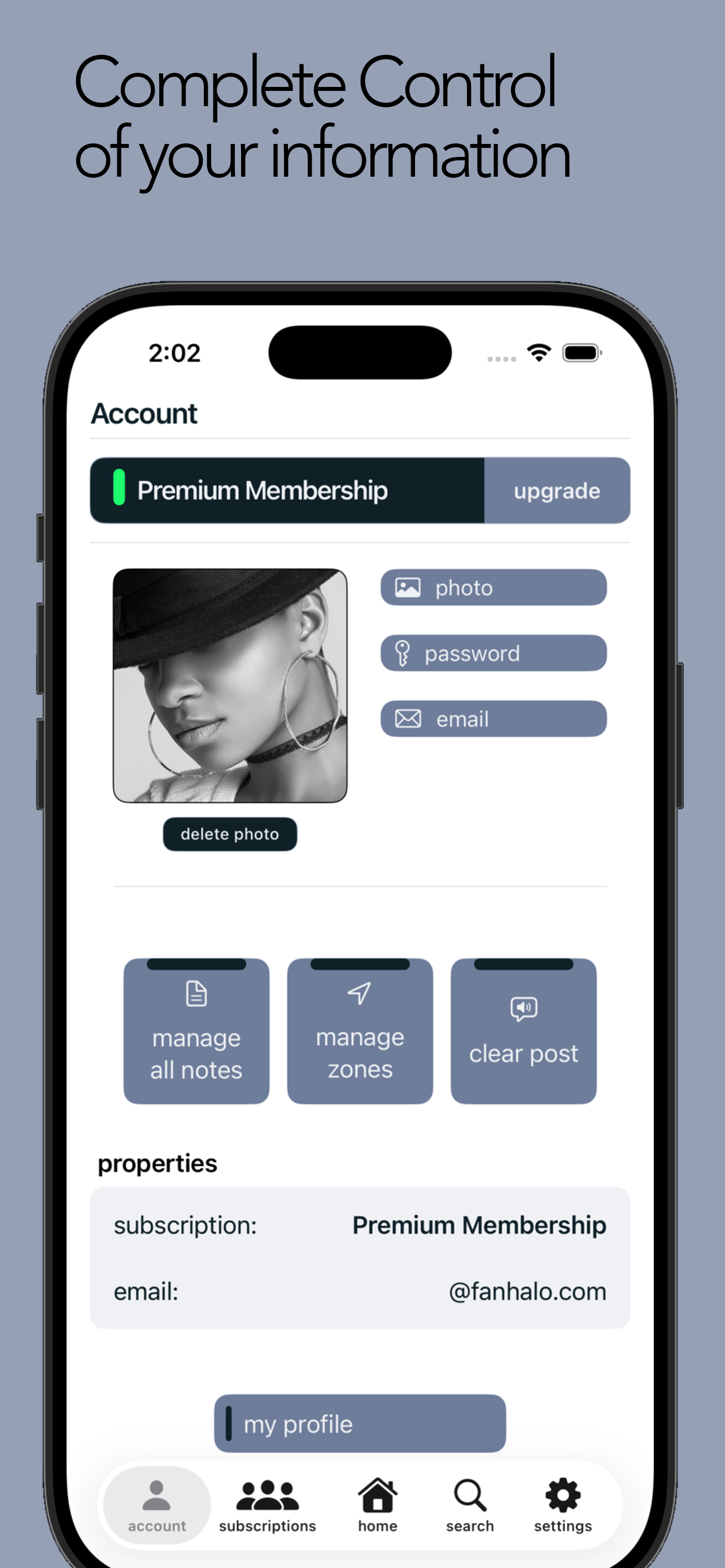
Create your account

Pick your performer name — the one your fans already search for — and set a password. That's the whole signup.

Minutes two to four

Fill in your profile

Photo, billboard message, and the notes you want fans to see. This is the page your whole audience will follow.

Minute five

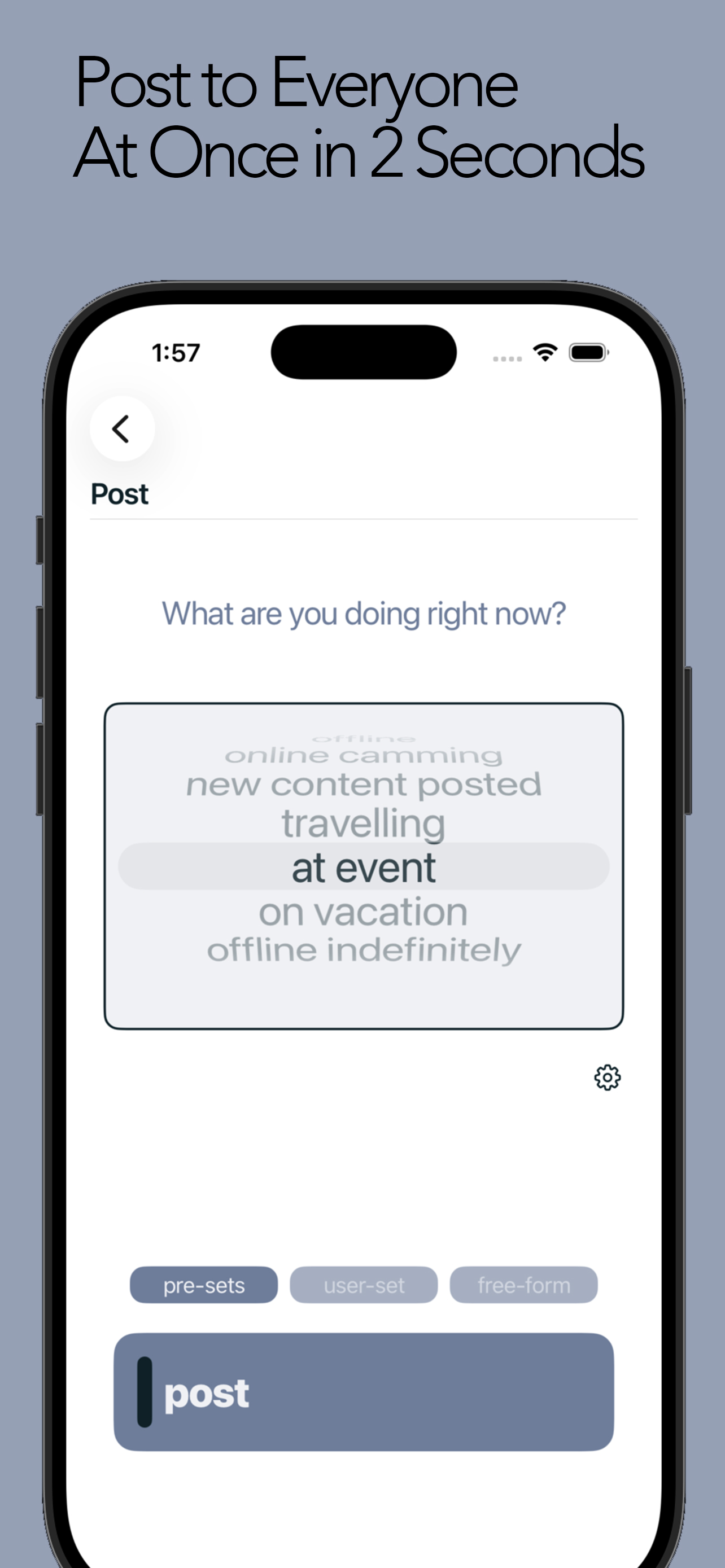
Save your presets

Write the three or four statuses you post most often. From here on, each one is a single button on your dashboard.

common questions

Before you download.

Cost
Always free for performersYour account, your profile, your presets, and posting to every fan — free, permanently. There is no performer tier to upgrade to and nothing is taken out of what you earn.
Platforms
iOS and AndroidNative apps on both. Your account and your fans are the same on either device.
My other apps
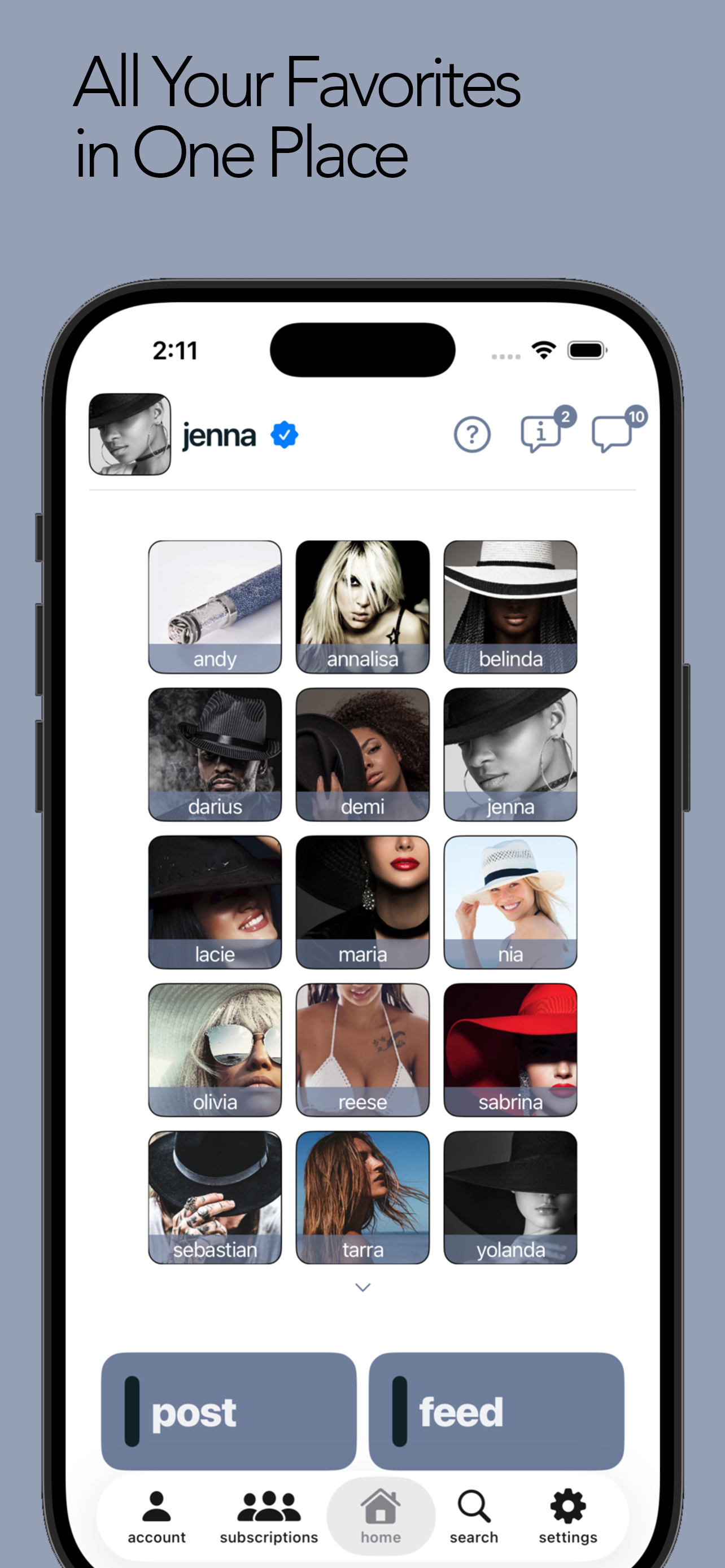
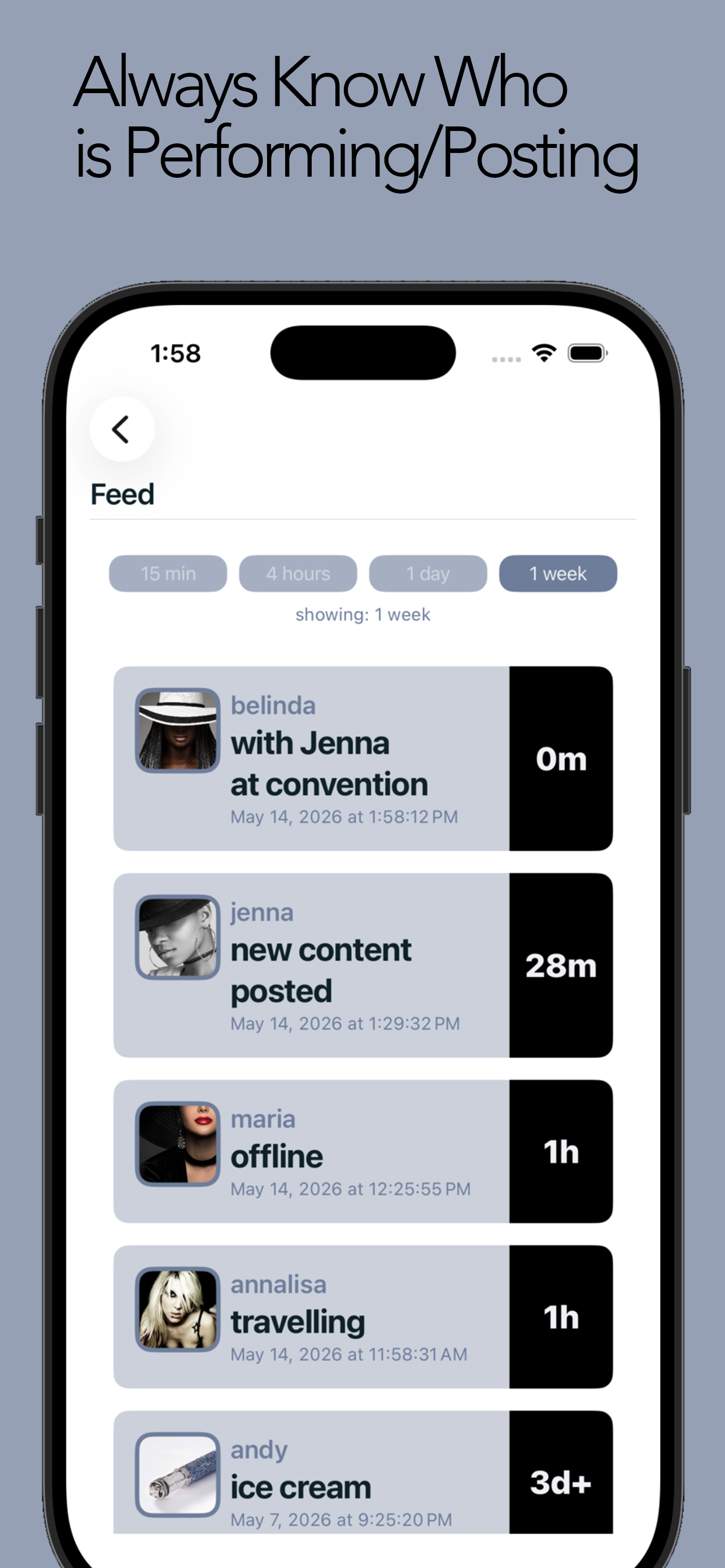
Keep every one of themfanhalo doesn't replace where you earn. It replaces the announcing — so your fans on any platform hear it the same second.
My fans
They follow you freeFans download the app and follow you. Nothing for them to pay before they can see you're online.
Verification
Verified performer badgeVerified accounts get a badge on their profile so fans know they're following the real you.

inside the app

What you're getting.

Get fanhalo.

One post. Every fan. About five seconds.

Download on the App Store Get it on Google Play
Always free for performers. iOS & Android.